Respond while interest is fresh
Use QR or SMS entry and automatically reply with an agreed offer or campaign information.

LePinn · Customer Engagement
For stores, brands and local business campaigns
Turn QR and SMS interactions into permission-based contacts, scheduled messages and campaign insights, so your team can plan the next invitation.

THE SERVICE
A visit or event entry does not always lead to another conversation. LePinn helps customers choose to stay in touch and helps merchants plan relevant follow-up messages.
Use QR or SMS entry and automatically reply with an agreed offer or campaign information.
Explain what customers are joining and how their contact details will be used.
Organize permission-based contacts and schedule relevant offers, product news or event invitations.
Review unique participants, returning customers, weekly and monthly trends, and past campaign records.
100-SECOND PRODUCT FILMS
From the first interaction to the next service step.
Build an opted-in contact list and invite customers back with relevant offers.
Illustrative screens and figures. Service setup varies by project.Select a time, then press Play to watch that section.
Every day, customers walk through the door.
The real challenge begins after they leave.
How can the brand keep the conversation going and give them a reason to return?
LePinn adds a simple entry point alongside your app and LINE.
Start with no download and no long form, then guide customers toward deeper engagement.
Scan the store QR code. A pre-filled text opens.
Tap send to connect.
The customer receives an offer right away.
From that first interaction, guide the next step: app, LINE, membership, or another campaign.
No extra app or form at the starting point—just one clear, measurable action.
With consent, the mobile number becomes a membership key.
Time, campaign, location, and frequency create an audience the brand can manage.
Campaign responses become visible in the merchant dashboard.
Compare engagement and filter audiences by interaction count, date range, campaign, or location.
Before reaching out again, build the right audience.
Combine recent activity, interaction frequency, campaign source, and active consent for a relevant follow-up.
When those conditions come together, LePinn creates a contact-ready audience.
Choose the audience. Choose the message. Then schedule delivery.
Send timely replenishment or return-visit reminders, while keeping opt-out simple.
At the right moment, customers return. LePinn turns a first visit into a relationship that grows.
Visit the PINTrust website or contact us to learn more.
FOUR SETTINGS · CUSTOMER CONNECTIONS
From a single stall to a shopping district or market, connect an in-person visit with the next conversation. See how customers get information and merchants plan permission-based invitations.
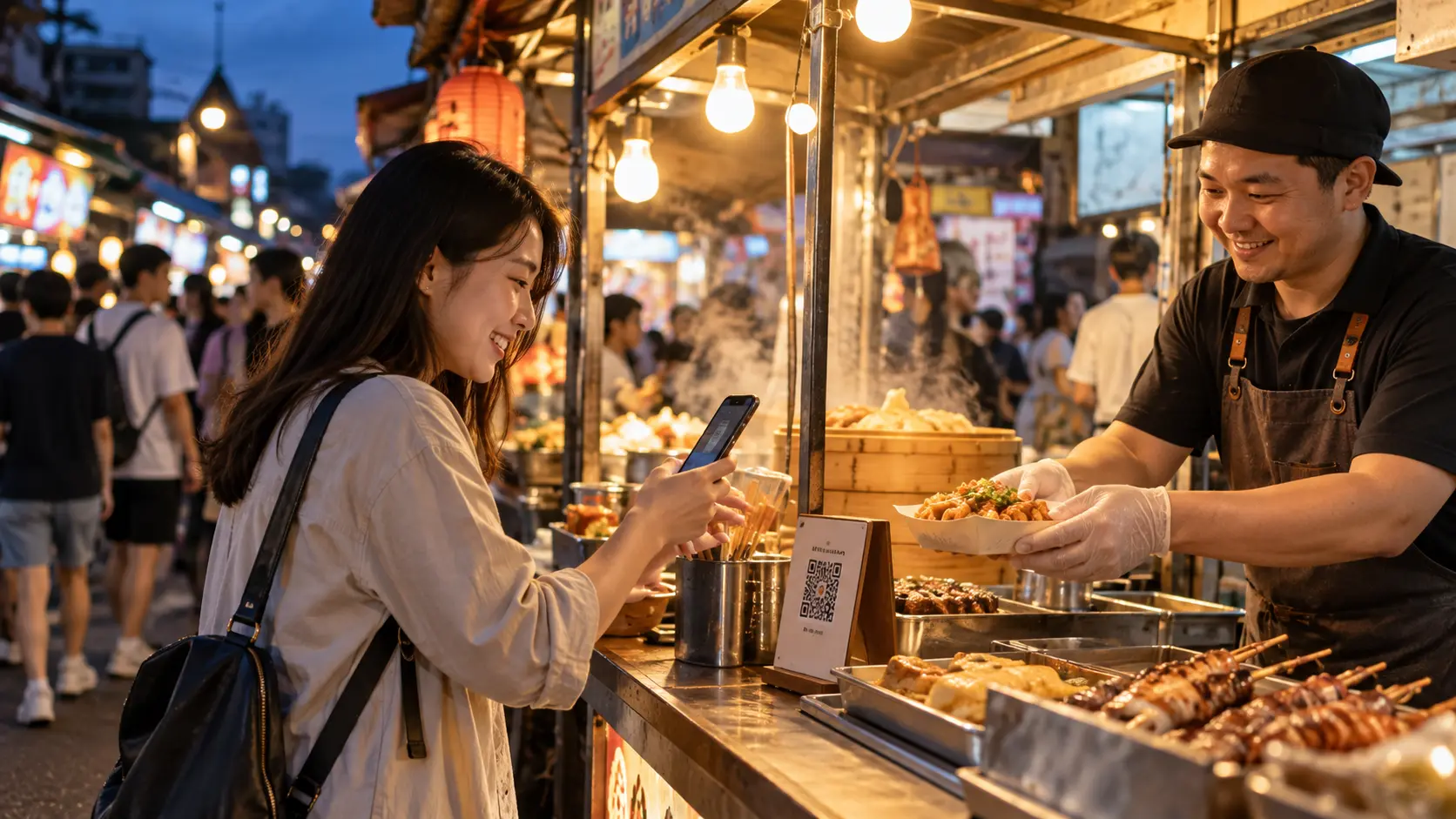 Scenario illustration
Share stall offers by QR code and give interested visitors a reason to return.
 Scenario illustration
Connect local activities and store information with a relevant next invitation.
 Scenario illustration
Connect interest in a handmade piece with new collections, workshops and the next market date.
 Scenario illustration
Connect booth scans with agreed follow-up and keep talking after the event ends.
TRY THE INTERACTION
Choose a setting to explore a sample reply and the team's workflow.
NIGHT MARKETS · RETURN VISITS
Offer a simple QR entry for stall information, record participation and continue the conversation when customers agree.
Start with one stall. Multi-stall campaigns need agreed data uses, messaging responsibilities and customer consent.
Plan my first campaignChoose an option to see the sample response.
Interactive example only; no messages are sent or contacts saved.
Use QR entry and automatic offer or campaign replies.
Organize permission-based contacts and schedule relevant messages.
Review unique participants, returning customers and weekly or monthly trends.
HOW IT WORKS
A customer sees the invitation at a store, booth or event.
They scan the code and review the participation information.
They decide whether to provide details and receive future messages.
Send relevant follow-up within the agreed purpose and consent.
COMMON QUESTIONS
A campaign can start with a QR code and mobile web page. Existing membership or app services can also be included where needed.
Participation and marketing consent should be explained separately where appropriate. Follow-up must stay within the purpose and choices communicated to the customer.
Define the invitation, participation rules, consent wording, follow-up plan and the records you need to review.